 Starting a
Document
Starting a
Document
Starting a
Document
A Document is created using the Document Builder.
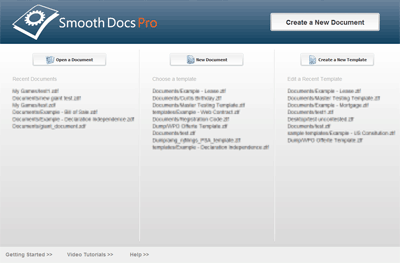
Access the Document Builder from the Welcome Screen
Pictured: The Welcome Screen
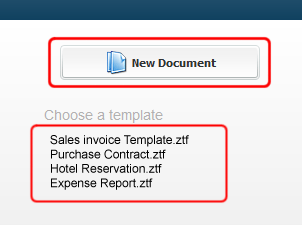
To open the Document Builder click "New Document".
Pictured: The new document section of the Welcome Screen
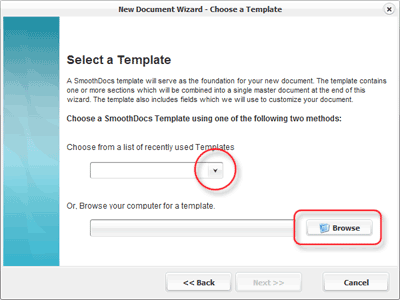
Choose a Template for your Document with either the pull down menu or the browse button. Click "Next" once a template has been selected.
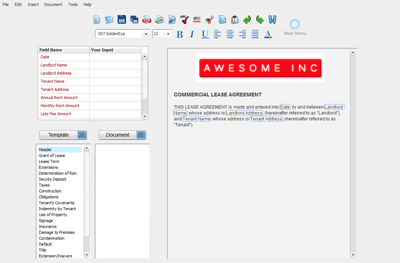
This will open the Document Builder:
Pictured: The Document Builder. Note that no fields have been entered and no sections have been added to this document.
Related Help: