 Add Template
Sections
Add Template
Sections
Add Template
Sections
To add a section to a template:
1. Click on the plus icon in the section list.
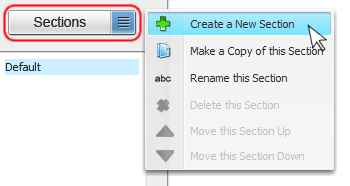
2. Enter a name for your section as well as a description. Adding a description is optional.
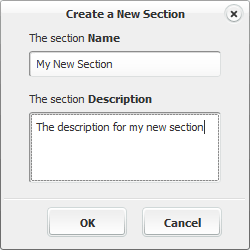
3. Click the OK button on the new section box
The new section will appear in the section list.
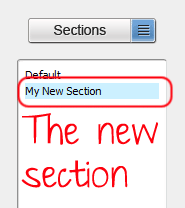
The new section is now ready for use. Include any text that will comprise the section in the text window.
To view text in a section, highlight the section name by left clicking in the section frame.
Related Help: