 The New Document
Wizard
The New Document
Wizard
The New Document
Wizard
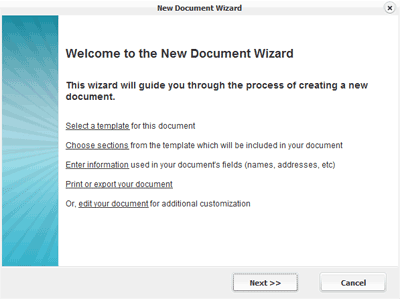
The first page of the New Document Wizard provides an outline of the steps involved in creating a new document .
Step 1: Select a Template
Step 2: Choose sections from the template which will be used in your document
Step 3: Fill in fields which will be used in your document
Step 4: Print, save or edit your document
Related Help: